I’ll start by saying that I am pretty firmly in the Android camp. I’m almost an Android fanboy. But I do see the appeal of Apple products, and I know that they are a better fit for many people. With that in mind, I am always subjective when helping a client decide which one to buy. Among my friends, it’s pretty much common knowledge that I am a fan of Android products. So when one of my close friends got an iPad as an anniversary present she was almost apologetic when showing it to me. “Sorry, I know it’s not an Android.” She said. What she didn’t know at the time was that her husband had come to me for advice when looking for a tablet to buy her. I had shown him the option (both Android and iOS) but ultimately recommended he buy her an Ipad. She had a very specific need she wanted to fill with a tablet and the best solution I found was an iOS app. Between that and the fact that she used an iPhone regularly, the iPad seemed like the best choice. Often, when you already have a smartphone, it is wise to get a tablet that matches the phone’s type. You know how to use it and often app purchases can transfer between them. Of course, if you’re not happy with your smartphone, this wouldn’t be the best choice!
Ultimately the choice between Android or iOS is a matter of personal preference. Both ecosystems have matured to the point that almost anything you can do on one, you can do on the other as well. So wait. If they can do the same thing, then why would it matter which one you use? It comes down to the way you want to use your device. Generally, if you want to tinker and customize your device, Android would be the better option. While iOS lacks some of the customization options that Android offers, this makes it easier to use out of the box.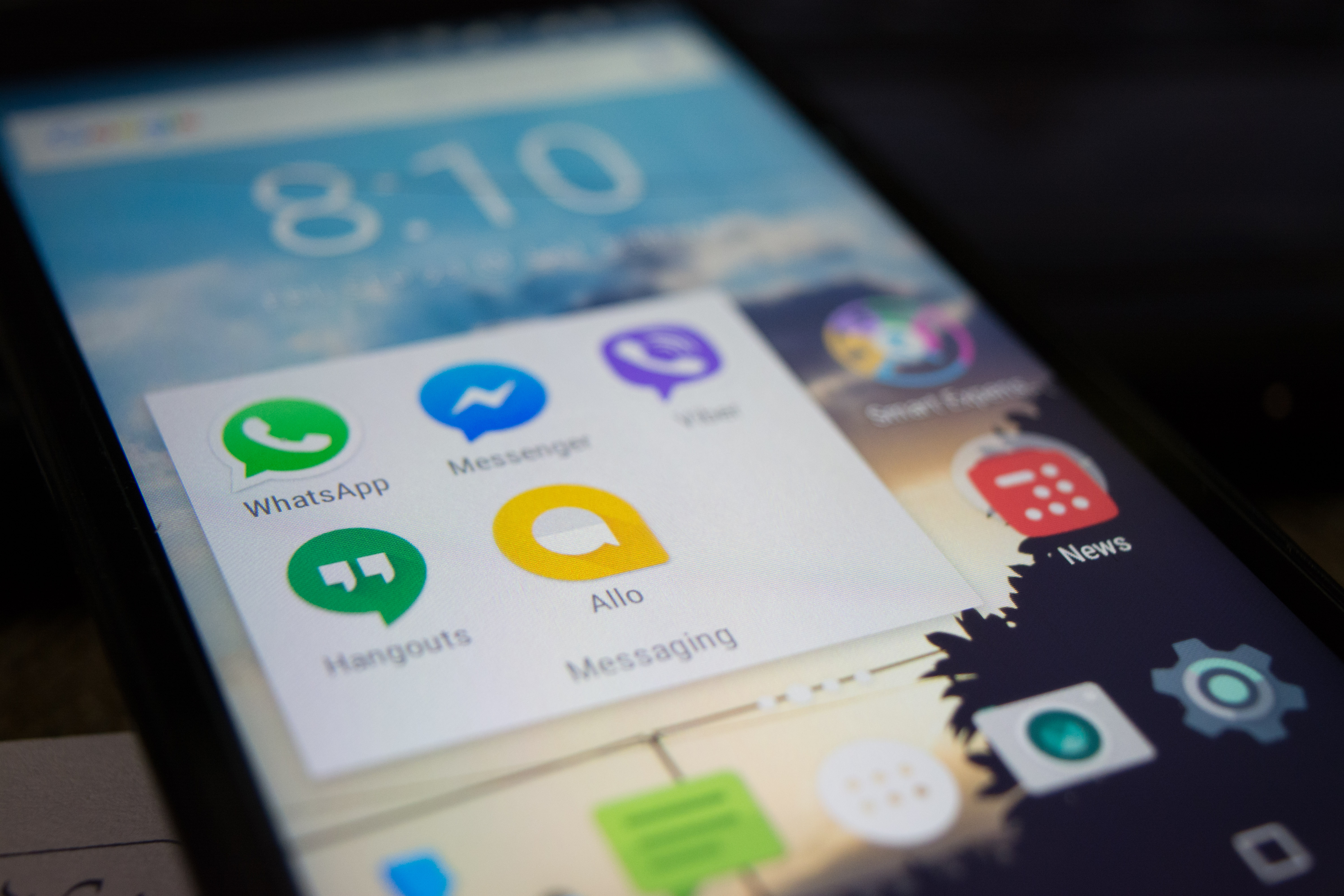
VS
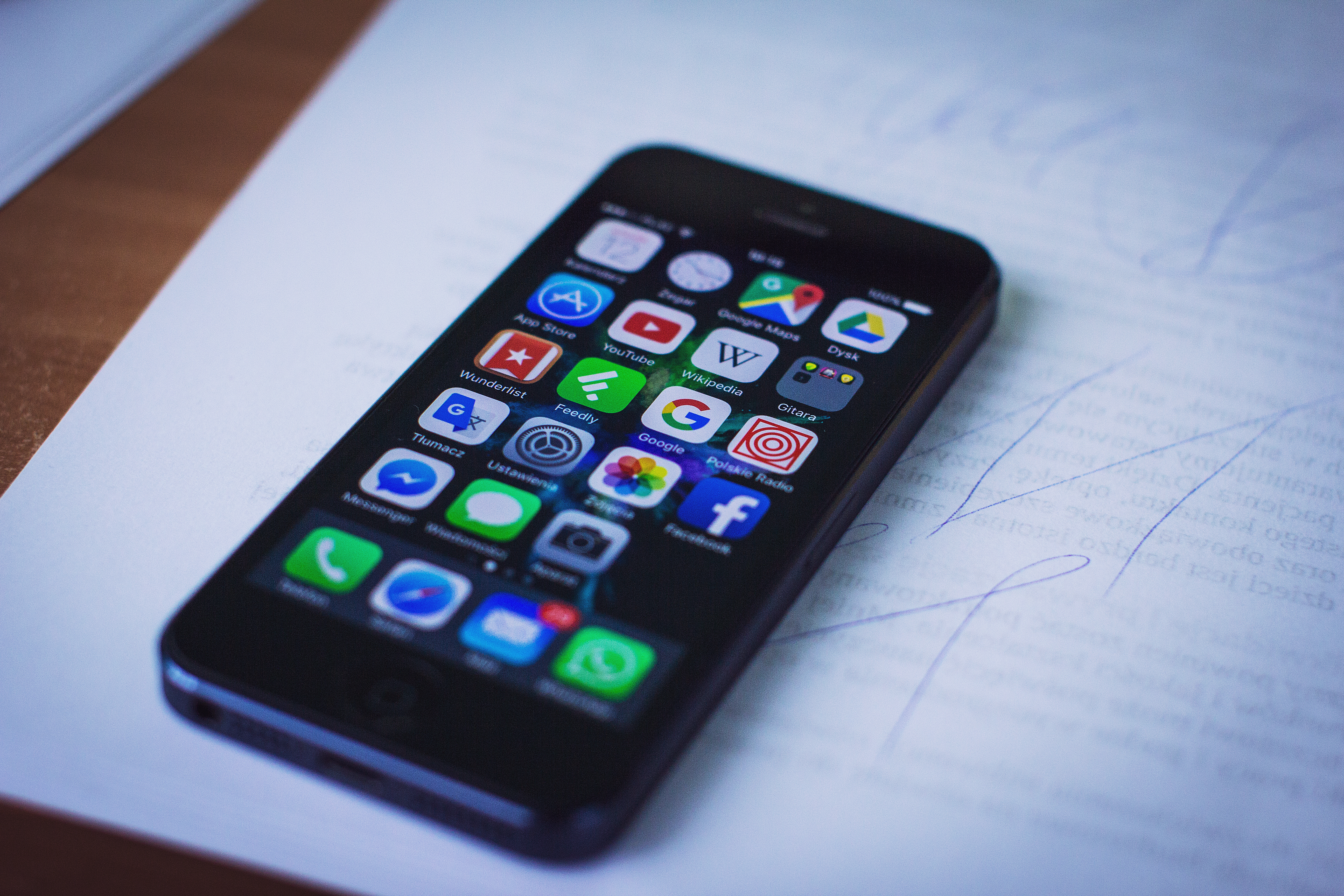
When looking at Android devices, you will be met with a flood of options. Hundreds of manufacturers build Android phones and tablets. And each of those manufacturers will have multiple devices released each year. This can be a good thing because there will be a device of every color, size, performance, and budget available. But the options can be overwhelming, even paralyzing. Apple makes all iOS devices themselves. This means they have control of everything from start to finish. Hardware and software are all designed by Apple, meaning that it will all work together. Apple generally only puts out one or two models a year, so there aren’t as many options to choose from, but this makes it easier to choose your device when it’s time to upgrade. If the myriad of options for Android or Apple devices is overwhelming, I can help.
Other Considerations
While the app stores for iOS and Android devices are both growing, and continually gaining more parity to each other, some apps remain exclusive to one ecosystem or the other. Therefore, if there is an app or feature you cannot do without, be sure to check the corresponding app store before making your decision. This is especially important when making the switch from Android to iOS or vice versa. Another consideration to keep in mind is compatibility with business networks. If you plan to use your device as part of ‘Bring Your Own Device’ program with the company you work for be sure to check with your network Admin/IT department to make sure the device you are considering is compatible with any additional security measures they may have in place.
Other Options?
When talking about mobile devices today, Android and iOS rule the debate. There are other options out there. For one thing, ‘dumb’ phones are still readily available and might be the best choice for you. They are certainly a more budget-friendly option both in the device cost and the monthly carrier fees. Another option is Windows Phone. While I like the idea of Windows Phone, they just don’t have the app support to make them a real contender in my eyes. It’s sad, really. My first smartphone was an HTC Touch running Windows Mobile 6.1 Professional. I loved that phone, and when Microsoft announced Windows Phone, I was excited and ready to make the switch from the Android ecosystem I had been using for a few years at that point, but when Windows Phone came to market, it felt half finished, and even today a lot of the apps I depend on and use daily aren’t available. It’s because of this that I have a hard time recommending Windows Phone.
If you are still having trouble deciding what type of device you should get or need more information, you can contact me and set up an appointment to go over your needs and find the perfect mobile device for you! Why not let Tony help?