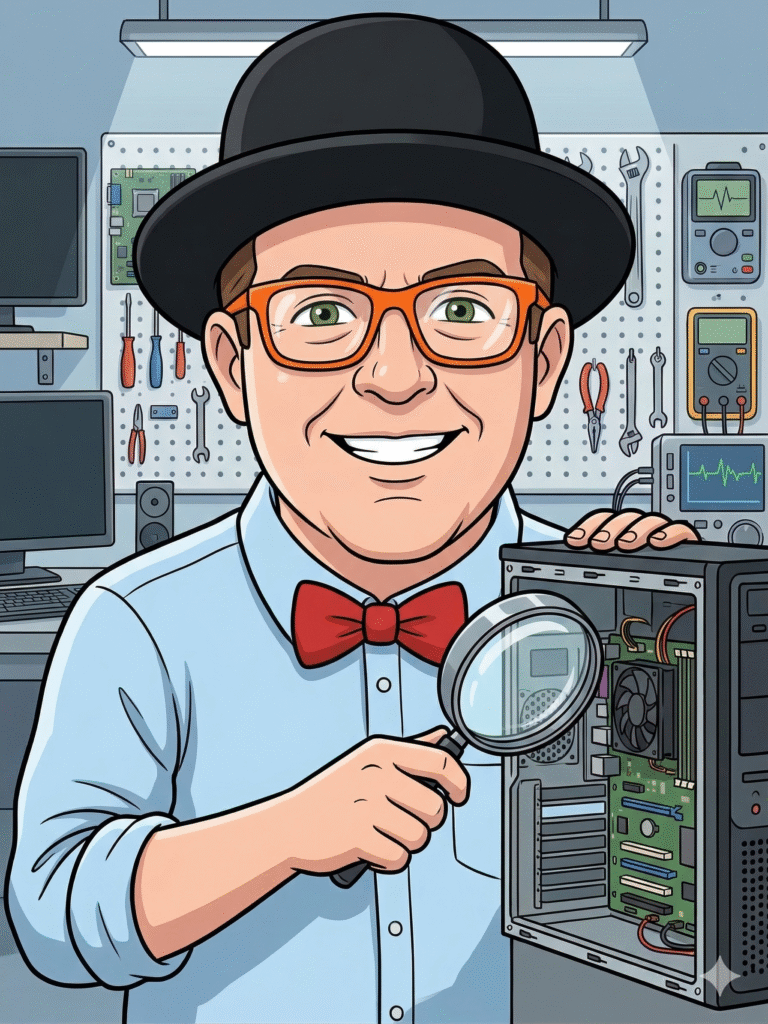
Running a small business in Lethbridge is no small feat. Your computers, network, and software are the backbone of your operations, so when technology starts acting up it can quickly cost you time, revenue and peace of mind. As 2025 unfolds and digital demands grow, ignoring the early warning signs can turn minor glitches into major problems. In this article we’ll explore five clear signs that it’s time to bring in professional IT support for your business and how Y-Not Tech Services can help keep your systems running smoothly. [Read more…]
Avoid Tech Support Scams Lethbridge 2025 | Protect Seniors & Businesses
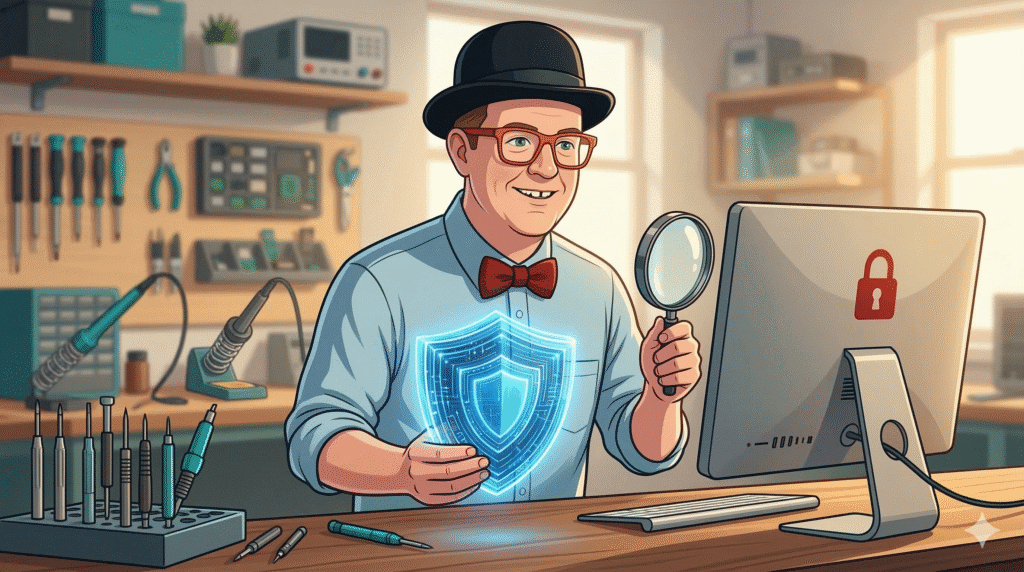
Tech support scams are on the rise across Canada, and Lethbridge residents—especially seniors and small business owners—are increasingly targeted. These scams are designed to look legitimate, sound urgent, and trick you into handing over money or access to your computer. The good news? Once you know what to look for, these scams are easy to spot and avoid. In this guide, we’ll walk you through the most common tech support scams in 2025, share real warning signs, and show you how to protect yourself, your loved ones, and your business. [Read more…]
Data Backup Solutions Lethbridge 2025 | Protect Your Business & Home | Y-Not Tech
Why Data Backup Matters in 2025
Lethbridge residents and small business owners have become more reliant on digital data than ever. Customer records, invoices, family photos, creative projects and more all live on hard drives and cloud services. Unfortunately, hard drives fail, laptops get stolen, and malware can encrypt or delete files without warning. In 2025, ransomware attacks, power outages, and even simple human errors continue to threaten our digital lives. Without a backup, recovering lost data can be impossible or prohibitively expensive. [Read more…]
Computer Upgrade Guide 2025 | Lethbridge Business & Home Users | Y-Not Tech

Planning Your Next Computer Upgrade in Lethbridge: A 2025 Guide for Businesses and Home Users
When was the last time you upgraded your computer? For many homes and small businesses in Lethbridge, Alberta, computers are like faithful workhorses — they get the job done until one day they don’t. Software gets slower, support for your operating system ends and the cost of repairs starts to add up. Technology moves fast, and 2025 brings new demands: cloud apps need more RAM, video calls require better webcams and processors, and cyber threats exploit outdated hardware. Planning your next computer upgrade isn’t about chasing the latest gadget; it’s about ensuring your tools can keep up with your life and business and that your data stays safe. [Read more…]
5 Tech Maintenance Tasks Every Lethbridge Home and Business Should Do Before 2026
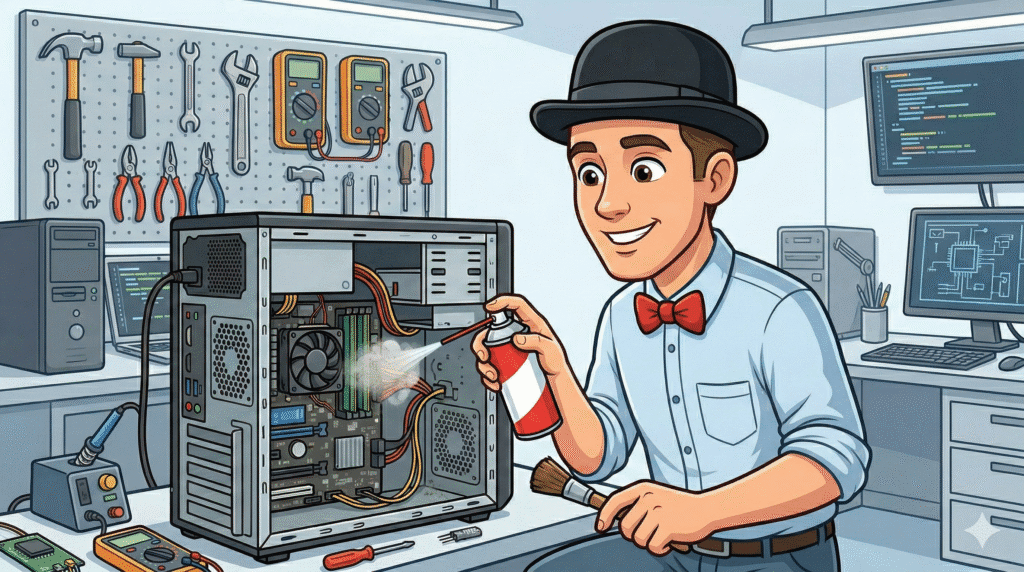
As we approach the end of 2025, there’s no better time to give your technology a little TLC. Whether you’re a home user trying to keep your personal computer running smoothly or a small business owner managing multiple devices, regular tech maintenance isn’t just smart—it’s essential for your security, productivity, and peace of mind. [Read more…]
Protecting Seniors from Tech Support Scams in 2025
Protecting Seniors from Tech Support Scams in 2025: A Lethbridge Guide
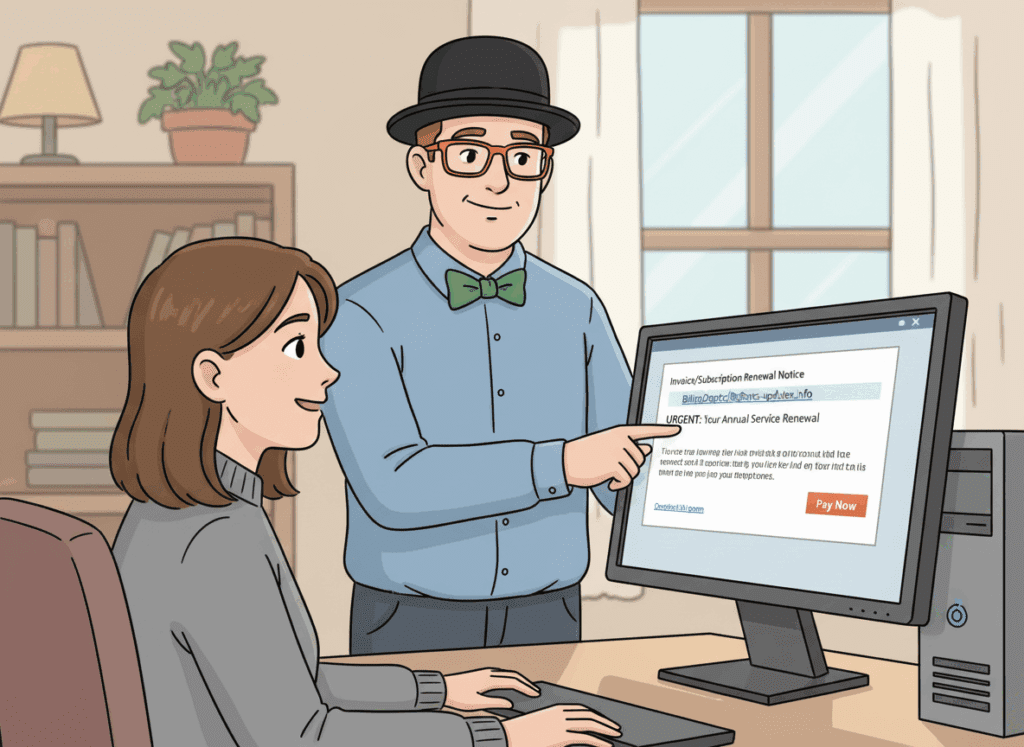
With 2025 upon us, the digital world continues to evolve — and unfortunately, so do tech support scams. Seniors are often targeted due to their trusting nature and the perception that they may not be as tech‑savvy. At Y‑Not Tech Services, we’re committed to protecting our community in Lethbridge and beyond. This article will walk you through the latest scam tactics, how to spot them, and practical steps to stay safe. [Read more…]
10 Warning Signs of Tech Support Scams Targeting Seniors in 2025

They called claiming to be from Microsoft. The pop-up said her computer was infected. The email looked official. And just like that, $3,000 disappeared from her bank account.
If you’re reading this, you or someone you love has probably encountered a tech support scam—or you’re worried it might happen. You’re not alone. In 2024, Canadians lost over $10 million to tech support scams, and seniors remain the primary target. These scammers are getting more sophisticated, more convincing, and more aggressive. [Read more…]
How to Upgrade to Windows 11: A Beginner’s Guide (No Tech Jargon)

I’ve been helping folks in Lethbridge upgrade to Windows 11 for the past few years, and I’ll be honest with you—the confusion and worry I see is completely understandable. Microsoft doesn’t always make things clear, and the last thing you want is to click the wrong button and lose your family photos or important documents.
Here’s the good news: upgrading to Windows 11 doesn’t have to be stressful. I’m going to walk you through this process step by step, in plain English, so you feel confident and in control. And if you’d rather have someone handle it for you? That’s what I’m here for. Just call (403) 915-8574 and we’ll take care of everything. [Read more…]
Windows 10 Support Ends October 2025—Here’s What You Need to Know

Let me break this down in plain language, so you know exactly what’s happening and what your real options are. [Read more…]
Computer Hacked? Here’s What Lethbridge Seniors Need to Do RIGHT NOW
That sinking feeling when you realize your computer might be hacked is terrifying. Maybe you clicked on something you shouldn’t have. Maybe a “Microsoft technician” called and convinced you to let them access your computer. Or perhaps you’re seeing things on your screen that just don’t look right.
Take a deep breath. You’re not alone, and this can be fixed.
I’m Tony Whitney from Y-Not Tech Services here in Lethbridge, and I’ve helped hundreds of local seniors recover from computer hacking and scams. In this guide, I’ll walk you through exactly what to do right now, step by step, in plain English—no confusing tech jargon.
Need immediate help? Call me directly at (403) 915-8574. I’m here to help.
Immediate Action Steps for Lethbridge Residents
If you suspect your computer has been hacked, time matters. Here’s what to do in the first few minutes:
1. Disconnect from the Internet Immediately
This is the single most important step. Disconnecting stops hackers from accessing your computer remotely and prevents any malicious software from sending your information elsewhere.
- If you have Wi-Fi: Unplug your router from the wall, or click the Wi-Fi icon in the bottom-right corner of your screen and select “Disconnect”
- If you use an ethernet cable: Unplug the cable from the back of your computer
- If someone is remotely controlling your computer right now: Hold down the power button for 5 seconds until the computer shuts off completely
2. Don’t Panic – Help Is Available Locally
You haven’t done anything wrong, and this situation can be resolved. Scammers are professionals at manipulation—they’ve tricked people far more tech-savvy than any of us. What matters now is taking the right steps to protect yourself.
As a Lethbridge local, you have access to personal, face-to-face support. You don’t have to navigate this alone or deal with faceless call centers. Call Y-Not Tech Services at (403) 915-8574 and I’ll walk you through everything, whether over the phone or in person at your home.
3. Document What Happened Before You Forget
While the details are fresh, write down:
- What you were doing when you first noticed something wrong
- Any phone numbers that called you (check your call history)
- Any websites you visited or links you clicked
- Any software or programs that were installed
- Any payments you made or credit card information you provided
- The exact time everything happened
This information will help me (or law enforcement, if needed) understand what happened and fix the problem faster.
Signs Your Computer Was Actually Hacked in Lethbridge
Not every scary popup means your computer is hacked. Let’s clarify what’s real and what’s just a scare tactic.
Fake Virus Popups vs. Real Infections
Fake popups (scareware):
- Appear in your web browser with flashing colors and urgent warnings
- Include a phone number to call “Microsoft” or “Windows Support”
- Claim to have detected dozens or hundreds of viruses
- Play loud alarm sounds or voice warnings
- Won’t let you close the browser window easily
What to do: Close your browser completely (Ctrl+Alt+Delete, select Task Manager, find your browser, click “End Task”). These are fake and designed to scare you into calling scammers. Your computer is likely fine.
Real infections:
- Computer running extremely slowly for no reason
- Programs opening or closing by themselves
- Your antivirus software is disabled and won’t turn back on
- New toolbars or programs you didn’t install
- Your homepage or search engine changed without your permission
Unauthorized Remote Access Indicators
If someone has remotely accessed your computer (often after a phone scam), you might notice:
- Your mouse cursor moving on its own
- Programs like TeamViewer, AnyDesk, or LogMeIn installed that you don’t recognize
- Windows or programs opening without you clicking anything
- A notification saying “Someone is controlling your computer remotely”
This is serious. If you see these signs, disconnect from the internet immediately and call (403) 915-8574 right away.
Banking and Email Account Changes
Check for these warning signs:
- Emails in your “Sent” folder that you didn’t send
- Password reset emails you didn’t request
- Unfamiliar transactions in your bank account
- Friends or family saying they received strange emails from you
- Unable to log into your email or banking accounts with your usual password
If you notice any of these, your accounts may be compromised. Follow the damage control checklist below immediately.
Emergency Damage Control Checklist for Lethbridge Seniors
Once you’ve disconnected from the internet and documented what happened, here’s your recovery plan:
1. Change All Passwords from a Different Device
Important: Don’t change passwords on the compromised computer. Use your phone, tablet, or a trusted friend or family member’s computer.
Change passwords for:
- Email accounts (Gmail, Outlook, Yahoo, etc.)
- Banking and credit card accounts
- Any shopping sites (Amazon, eBay, etc.)
- Social media (Facebook, Instagram, etc.)
- Any other accounts with financial or personal information
Password tips:
- Use unique passwords for each account (never reuse passwords)
- Make them at least 12 characters long
- Include uppercase, lowercase, numbers, and symbols
- Write them down in a physical notebook kept in a safe place (this is actually safer than storing them on a hacked computer)
Need help with passwords? I can set you up with a secure password manager as part of Y-Not Tech’s Gold Plus protection. Call (403) 915-8574 to learn more.
2. Contact Your Bank Immediately
Even if you don’t see unauthorized transactions yet, call your bank right away if:
- You gave anyone your banking information
- You allowed remote access to your computer
- You entered your credit card or banking details on a suspicious website
Lethbridge banking contacts:
- Most major banks have 24/7 fraud hotlines on the back of your debit/credit card
- Visit your local branch in person if you prefer face-to-face assistance
- Ask them to monitor your account for suspicious activity
- Consider requesting new cards with new numbers
Your bank would much rather hear from you early than deal with fraudulent charges later. They’re on your side.
3. Run Legitimate Antivirus Scans
If you have legitimate antivirus software already installed (like Norton, McAfee, or Bitdefender), run a full system scan. Do not download or install any new antivirus software right now—your computer may be compromised, and you could accidentally install more malicious software.
Better option: Have a professional clean your computer properly. I’ll come to your home in Lethbridge, thoroughly scan and clean your system with professional-grade tools, and make sure everything is secure. Call (403) 915-8574 to schedule same-day or next-day service.
Why Lethbridge Seniors Choose Y-Not Tech for Computer Recovery
When your computer is hacked, you need someone you can trust—not a faceless call center or a company that talks down to you with confusing jargon.
Local, Personal Service You Can Trust
I’m Tony Whitney, and I’ve lived and worked in Lethbridge for years. When you call Y-Not Tech Services, you’re calling me directly—not a call center, not a rotating staff of technicians, just me. I’ll either come to your home or help you remotely, whatever makes you most comfortable.
I understand how violating and scary it feels when someone has accessed your computer. I’ve helped hundreds of local seniors through this exact situation, and I’ll treat your case with the care and urgency it deserves.
Jargon-Free Explanations
I’ll never talk over your head or make you feel foolish for asking questions. I explain everything in plain English, and I’ll make sure you understand what happened, how we’re fixing it, and how to prevent it from happening again.
You’ll never hear me say “Well, you shouldn’t have clicked that” or make you feel bad about what happened. Scammers are professionals, and they’re very good at what they do. What matters is getting you back to safe, confident computer use.
Same-Day Emergency Appointments Available
When your computer is hacked, waiting days for help isn’t acceptable. I offer same-day or next-day appointments for Lethbridge residents dealing with hacking or scam situations.
Call (403) 915-8574 now to schedule your emergency appointment.
What I’ll Do During Your Recovery Appointment
- Remove all malicious software and remote access tools
- Verify your antivirus is working properly and up to date
- Check for any lingering security vulnerabilities
- Help you change passwords securely
- Review what happened and how to recognize similar threats
- Set up better protection so this doesn’t happen again
- Answer all your questions in plain language
Most recovery appointments take 1-2 hours, and you’ll leave with a clean, secure computer and the knowledge to protect yourself going forward.
Preventing Future Attacks with Gold Plus Protection in Lethbridge
Once we’ve recovered your computer, let’s make sure this never happens again. That’s where Y-Not Tech’s Gold Plus protection comes in—it’s specifically designed for Lethbridge seniors who want peace of mind and proactive protection.
24/7 Monitoring and Scam Blocking
Gold Plus includes professional-grade security that blocks known scam websites before you ever see them. If you accidentally click a malicious link, our system stops it before any damage is done.
We also block remote access tools that scammers use to take over your computer. Even if someone convinces you to download TeamViewer or AnyDesk, our protection won’t let it run.
Direct Hotline for Suspicious Activity
With Gold Plus, you have my direct number for a “scam check hotline.” If something seems off—a suspicious email, a strange phone call, a popup you’re not sure about—just call me at (403) 915-8574 and I’ll tell you immediately whether it’s legitimate or a scam.
No more wondering. No more anxiety. Just quick, clear answers from someone you trust.
Proactive Maintenance and Updates
Gold Plus includes monthly check-ins where I remotely verify:
- Your antivirus is active and up to date
- Windows updates are installed properly
- No suspicious programs have been installed
- Your computer is running smoothly
- Your storage isn’t getting too full
I catch problems before they become emergencies, so you can use your computer with confidence.
Ongoing Scam Prevention Education
Technology and scam tactics change constantly. Gold Plus members receive regular updates about new scams targeting Lethbridge seniors, along with simple tips to stay safe.
You’ll learn to recognize:
- Phone scams pretending to be from Microsoft, CRA, or your bank
- Fake virus popups and tech support scams
- Phishing emails that look legitimate but aren’t
- Romance scams and social media fraud
- Online shopping scams and fake websites
Knowledge is your best defense, and I’ll make sure you’re always one step ahead of the scammers.
Gold Plus Is Less Than $1.50 Per Day
For just $35 per month (about $1.17 per day), you get:
- Professional scam blocking and monitoring
- Direct access to me via the scam check hotline
- Monthly proactive maintenance
- Priority same-day support when you need it
- Ongoing education about new threats
- Peace of mind that you’re protected
Compare that to the average scam loss of $5,000+ for Canadian seniors, and Gold Plus pays for itself many times over by preventing just one incident.
Ready to protect yourself? Call (403) 915-8574 to set up Gold Plus protection today.
Take Action Now – Your Computer Security Matters
If your computer has been hacked, every minute counts. The faster you act, the less damage scammers can do and the quicker we can get you back to safe, confident computer use.
Here’s what to do right now:
- If you’re currently dealing with a hack: Disconnect from the internet immediately and call (403) 915-8574 for emergency support
- If you’ve recently been hacked: Follow the damage control checklist above and schedule a professional cleanup appointment
- If you want to prevent future attacks: Ask me about Gold Plus protection and how it keeps Lethbridge seniors safe
You don’t have to face this alone. As your local Lethbridge tech expert, I’m here to help you through every step—from emergency recovery to long-term protection.
Call Y-Not Tech Services at (403) 915-8574 or visit www.ynottechservices.com to get started.
Remember: You haven’t done anything wrong. Scammers are professionals, and they target good people like you every day. What matters is taking action now to protect yourself and getting the help you deserve.
I look forward to helping you get back to using your computer safely and confidently.
— Tony Whitney
Owner, Y-Not Tech Services
Serving Lethbridge and surrounding areas
(403) 915-8574
tony@ynottechservices.com
Need Help Right Now?
Don’t wait if your computer has been hacked or you suspect suspicious activity.
📞 Call Tony directly: (403) 915-8574
- 1
- 2
- 3
- …
- 39
- Next Page »


Protecting Seniors from Tech Support Scams in 2025: A Lethbridge Guide