

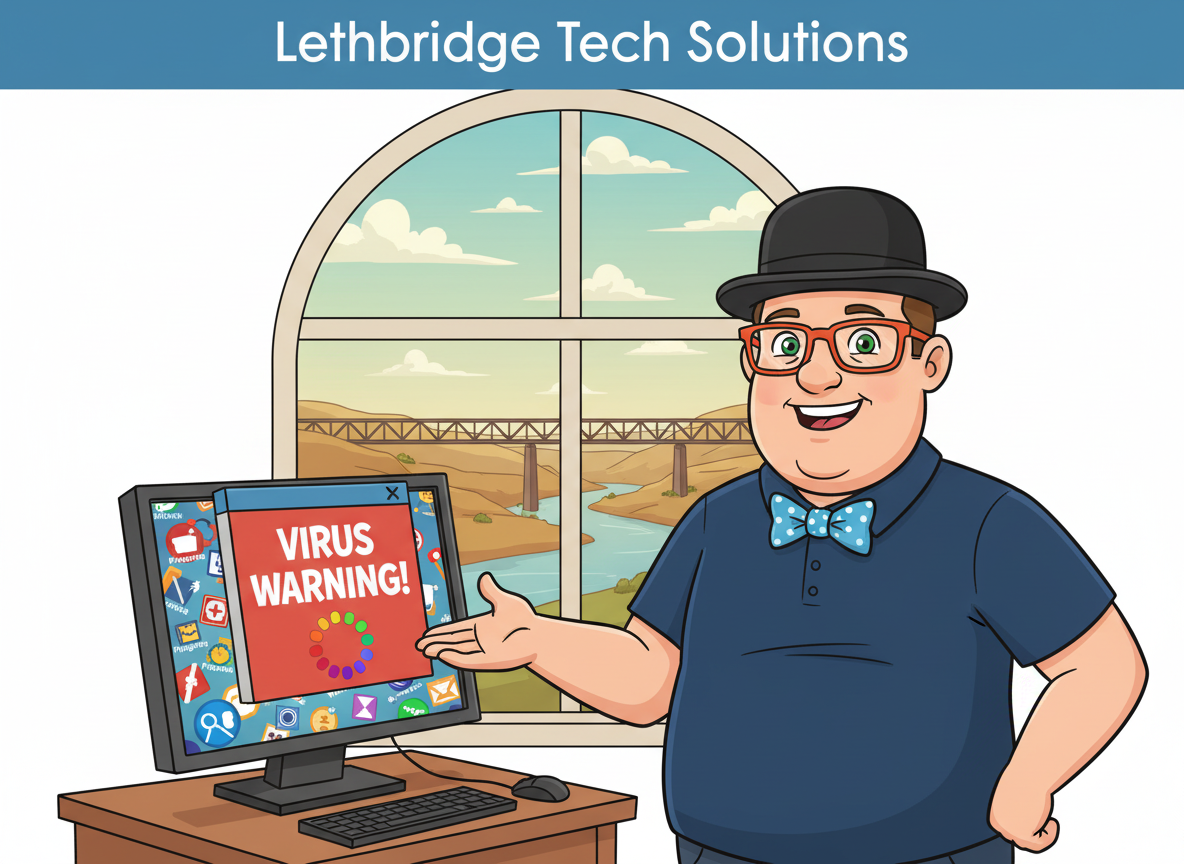
Is your computer acting strange, showing weird pop-ups, running very slow, or taking you to websites you didn’t ask for? You might have a virus or other malware – but that doesn’t mean you need a new computer.
I’m Tony from Y-Not Tech Services. I provide professional virus removal in Lethbridge for seniors, families, and home offices. I’ll clean your computer, protect your data, and make sure it’s safe for things like online banking again. I provide fast and safe virus removal in Lethbridge for seniors, families, and home users.

Signs Your Computer May Be Infected
 Not every glitch is a virus, but here are common warning signs I see in Lethbridge homes:
- Scary pop-ups saying “Your computer is infected – call this number!”
- Browser opening to strange homepages or search engines
- New toolbars or icons you never installed
- Computer suddenly very slow or freezing
- Programs opening or closing on their own
- Antivirus warnings you don’t understand
- Emails going out from your account that you didn’t send
If any of this sounds familiar, it’s a good idea to have a Computer Diagnostic or full virus removal service done as soon as possible.
“Prompt and Professional service on my compromised computer. Owner is very personable and I am delighted with the end result.” – Kel H, Lethbridge, AB
We deal with more than just viruses too. We’re here for all your computer repair needs in Lethbridge. Some systems that appear infected are actually suffering from performance issues that can be resolved with a proper computer tune-up.
Some infections are more aggressive than others and require full virus removal rather than simple cleanup.
Spyware Removal in Lethbridge
Spyware is a type of unwanted software that runs quietly in the background, collecting information or interfering with normal computer use.
It often comes bundled with free downloads, fake updates, or scam pop-ups and can cause slow performance, browser changes, and security concerns.
As part of my virus and malware cleanup service, I also provide spyware removal in Lethbridge to make sure hidden tracking software, browser hijackers, and unwanted monitoring tools are fully removed — not just masked.
Why Professional Virus Removal Is Safer Than DIY
 Free antivirus and “cleaner” tools can help, but they often:
- Miss hidden malware infections
- Leave behind damaged settings
- Remove files you actually need
- Don’t check if your banking and email are truly safe
With professional virus removal, I:
- Identify the type of infection (virus, spyware, ransomware, scam, etc.)
- Use proper tools to fully remove the infection
- Repair damage the malware caused
- Check your web browsers for hijacks and fake search engines
- Verify that security software is working correctly
- Make sure the computer is safe to use again – especially for banking
- restore system performance so you can get on with your life
For more details on why this matters, see my article:
The Power of Professional Virus Removal.
What My Virus and Malware Removal & Tune-Up Service Includes
 My standard Virus Removal and Tuneup service is designed to leave your computer both clean and fast.
🔎 1. Full Scan & Assessment
- Check for viruses, spyware, adware, and unwanted programs
- Look for scam software pretending to be security tools
- Review symptoms you’ve noticed (pop-ups, slowness, errors)
🧹 2. Deep Malware Removal
- Remove malicious programs and browser hijacks
- Clean out unwanted toolbars and add-ons
- Reset affected browser settings safely
⚙️ 3. Tune-Up & Optimization
- Remove junk and temporary files
- Disable unnecessary startup programs
- Check Windows updates and security settings
- Recommend a Computer Cleaning & Tune-Up if deeper work is needed
🛡 4. Security & Banking Safety Check
- Verify antivirus is installed and working properly
- Check that scam pop-ups have been removed
- Confirm your browser is safe for banking and email
- Recommend ongoing protection like my Home Security Suite (Gold & Gold+)


Scam Pop-Ups, Fake Microsoft Alerts & Tech Support Scams
 One of the most common “virus” calls I get in Lethbridge isn’t a virus at all – it’s a tech support scam.
These usually show:
- A big red or blue warning on your screen
- Loud beeping or alarm sounds
- Messages claiming your “computer is blocked”
- Phone numbers to call “Microsoft” or “security support”
If you called the number or let someone connect to your computer, it’s very important to get things checked even if the pop-up is gone now.
During virus removal, I will:
- Remove any software scammers installed
- Check for remote access tools they may still have
- Verify that online banking and email are safe to use
- Help you change passwords if needed
If your computer is slow or behaving strangely after a scam, start with my Lethbridge Computer Repair page or book a virus removal appointment directly.
On-Site, Remote, or Drop-Off Virus Removal
 You can choose the option that feels most comfortable:
👨🔧 On-Site Virus Removal
I come to your home in Lethbridge or the surrounding area. This is ideal if you’re not comfortable disconnecting cables or bringing the computer in. If your machine is too infected to safely transport, we can come directly to your location.
💻 Remote Virus Removal
If your computer can still turn on and connect to the internet, I can often remove viruses and scams remotely. This is convenient and fast. Details here:
Remote Connection Tech Support for Canada.
📦 Drop-Off at My South-Side Home Office
For heavier infections or when you’re already out and about, you can drop your computer off at my home office on the south side of Lethbridge.
Protecting Your Photos, Documents & Email
 Viruses and scams are annoying, but the most important part is your data – family photos, tax records, business documents, and saved emails.
While I’m removing malware, we can also talk about:
- Backing up important files before something worse happens
- Setting up an automatic backup plan
- Moving data safely to a new computer if yours is too old
See my Data Back-Up and Data Transfer service for more details.
When It’s Time to Upgrade Instead of Repair
 Most of the time, virus removal and a tune-up are enough to bring a computer back to life. But if your system is very old or running on a failing hard drive, we may talk about upgrading instead of just cleaning.
Common next steps include:
- Upgrading to a Solid State Drive (SSD) to dramatically improve speed
- A full Computer Cleaning & Tune-Up if it hasn’t been maintained in years
- Backing up data and moving to a newer computer
I’ll always explain your options in plain language and help you decide what makes the most sense for your situation and budget.
Not Sure If It’s a Virus?
Sometimes a slow or misbehaving computer isn’t infected at all – it might just be cluttered, overheating, or running old hardware.
If you’re not sure, we can start with a
Computer Diagnostic or a Computer Cleaning & Tune-Up. I’ll check everything and let you know what’s really going on.
Ready to Clean Up Your Computer?
If your computer is showing pop-ups, running slowly, or you’re worried it might be infected, don’t wait. The sooner we look at it, the easier it is to clean and protect your data.
Call or text: 403-915-8574
Or send me a message through my Contact page.
For general computer issues, you can also visit my Lethbridge Computer Repair page or, for laptop-specific problems, see Lethbridge Laptop Repair.
Frequently Asked Questions
Do I need to buy a new computer if it’s infected?
Usually no. Most infections can be fully cleaned without replacing your system.
Can you remove fake Microsoft pop-ups?
Yes, these are very common in Lethbridge and are removed during the virus cleanup.
Is it safe to use online banking after a virus?
I check browser settings, scans, and security to confirm banking is safe before you start using it again.