

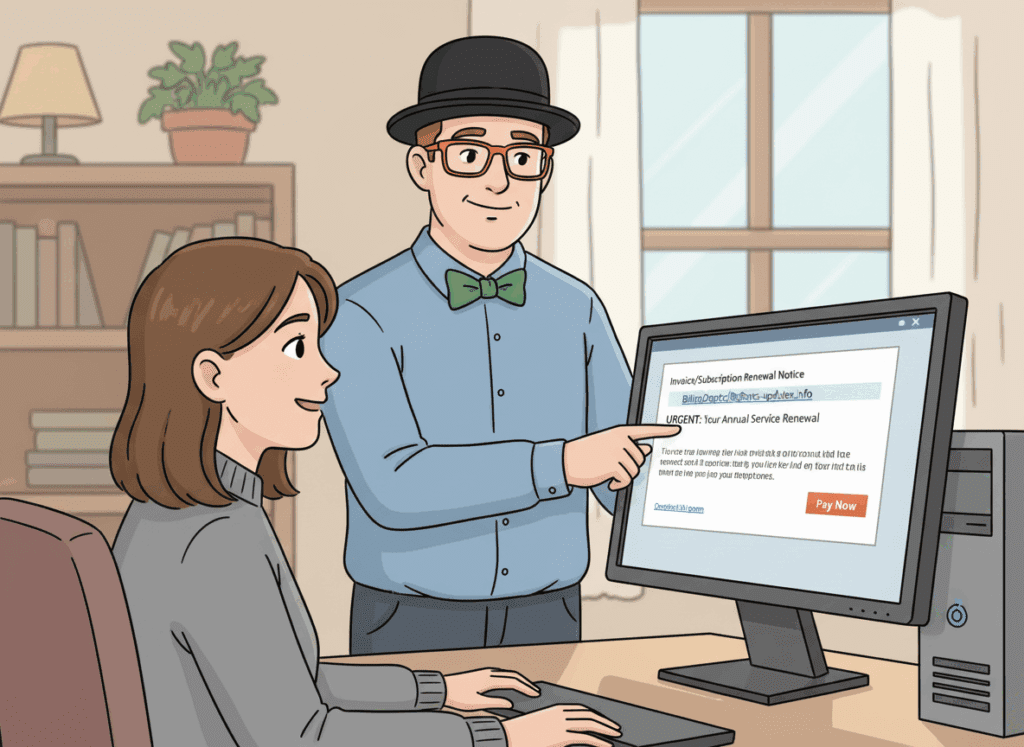
 Emails claiming you’ve been charged for antivirus, Bitcoin, PayPal, or a “subscription renewal” are one of the most common scams I see with home users in Lethbridge. These messages are designed to create panic — and get you to call a number or click a link.
What Is a Fake Invoice or Subscription Scam?
These scams usually arrive by email and claim you were charged for something you don’t recognize.
The message often includes:
- A fake invoice or receipt attached as a PDF
- A message saying your account will renew automatically
- A phone number to call for a “refund”
- Urgent language like “final notice” or “last chance to cancel”
The goal is to scare you into calling the number — where scammers try to get remote access to your computer or convince you to send money.

Common Examples I See in Lethbridge
- Fake antivirus renewal notices
- PayPal or Geek Squad invoices
- Bitcoin or cryptocurrency purchase confirmations
- Subscription charges you don’t recognize
These emails often look professional and include logos — but that doesn’t make them legitimate.
How to Tell an Invoice Email Is a Scam
- You don’t recognize the charge or company
- The email pressures you to act immediately
- You’re asked to call a phone number instead of logging into an account
- The sender’s email address doesn’t match the company
- The message avoids using your real name
If you’re also seeing browser pop-ups or warnings, review:
Fake Virus Pop-Ups in Lethbridge.
What to Do If You Opened the Email but Didn’t Click Anything
If you only opened the email, you’re usually fine.
The safest steps are:
- Do not reply
- Do not click links or attachments
- Delete the message
- Mark it as spam
Opening the email alone rarely causes infection — the danger comes from clicking or calling.
If You Clicked a Link or Called the Number
If you clicked a link, downloaded something, or spoke to someone on the phone, it’s important to act quickly.
- Disconnect the computer from the internet
- Do not log into banking or email on that device
- Change important passwords from another device
- Have the computer checked for malware or remote access tools
This situation is exactly what Scam & Fraud Cleanup in Lethbridge is designed for.
Why Fake Invoice Scams Often Lead to Malware
When scammers get access to a computer, they may install unwanted software,
browser hijackers, or remote tools — even if nothing seems obvious at first.
If your computer is acting slow, unstable, or strange afterward, review: Virus & Malware Removal in Lethbridge or Why Your Computer Is So Slow.
How to Reduce Scam Emails Going Forward
- Be cautious with unexpected invoices or receipts
- Never call numbers listed in suspicious emails
- Keep your computer and software up to date
- Use layered security to block malicious links
Many clients choose proactive protection instead of reacting to scams.
That’s where ongoing security helps:
Home Security Suite (Gold+).

Need Help With a Fake Invoice or Scam Email in Lethbridge?
If you received a suspicious invoice email — or you’re worried you clicked something —
don’t guess. Let’s make sure your computer and accounts are safe.