Let me break this down in plain language, so you know exactly what’s happening and what your real options are. [Read more…]


Let me break this down in plain language, so you know exactly what’s happening and what your real options are. [Read more…]
That sinking feeling when you realize your computer might be hacked is terrifying. Maybe you clicked on something you shouldn’t have. Maybe a “Microsoft technician” called and convinced you to let them access your computer. Or perhaps you’re seeing things on your screen that just don’t look right.
Take a deep breath. You’re not alone, and this can be fixed.
I’m Tony Whitney from Y-Not Tech Services here in Lethbridge, and I’ve helped hundreds of local seniors recover from computer hacking and scams. In this guide, I’ll walk you through exactly what to do right now, step by step, in plain English—no confusing tech jargon.
Need immediate help? Call me directly at (403) 915-8574. I’m here to help.
If you suspect your computer has been hacked, time matters. Here’s what to do in the first few minutes:
This is the single most important step. Disconnecting stops hackers from accessing your computer remotely and prevents any malicious software from sending your information elsewhere.
You haven’t done anything wrong, and this situation can be resolved. Scammers are professionals at manipulation—they’ve tricked people far more tech-savvy than any of us. What matters now is taking the right steps to protect yourself.
As a Lethbridge local, you have access to personal, face-to-face support. You don’t have to navigate this alone or deal with faceless call centers. Call Y-Not Tech Services at (403) 915-8574 and I’ll walk you through everything, whether over the phone or in person at your home.
While the details are fresh, write down:
This information will help me (or law enforcement, if needed) understand what happened and fix the problem faster.
Not every scary popup means your computer is hacked. Let’s clarify what’s real and what’s just a scare tactic.
Fake popups (scareware):
What to do: Close your browser completely (Ctrl+Alt+Delete, select Task Manager, find your browser, click “End Task”). These are fake and designed to scare you into calling scammers. Your computer is likely fine.
Real infections:
If someone has remotely accessed your computer (often after a phone scam), you might notice:
This is serious. If you see these signs, disconnect from the internet immediately and call (403) 915-8574 right away.
Check for these warning signs:
If you notice any of these, your accounts may be compromised. Follow the damage control checklist below immediately.
Once you’ve disconnected from the internet and documented what happened, here’s your recovery plan:
Important: Don’t change passwords on the compromised computer. Use your phone, tablet, or a trusted friend or family member’s computer.
Change passwords for:
Password tips:
Need help with passwords? I can set you up with a secure password manager as part of Y-Not Tech’s Gold Plus protection. Call (403) 915-8574 to learn more.
Even if you don’t see unauthorized transactions yet, call your bank right away if:
Lethbridge banking contacts:
Your bank would much rather hear from you early than deal with fraudulent charges later. They’re on your side.
If you have legitimate antivirus software already installed (like Norton, McAfee, or Bitdefender), run a full system scan. Do not download or install any new antivirus software right now—your computer may be compromised, and you could accidentally install more malicious software.
Better option: Have a professional clean your computer properly. I’ll come to your home in Lethbridge, thoroughly scan and clean your system with professional-grade tools, and make sure everything is secure. Call (403) 915-8574 to schedule same-day or next-day service.
When your computer is hacked, you need someone you can trust—not a faceless call center or a company that talks down to you with confusing jargon.
I’m Tony Whitney, and I’ve lived and worked in Lethbridge for years. When you call Y-Not Tech Services, you’re calling me directly—not a call center, not a rotating staff of technicians, just me. I’ll either come to your home or help you remotely, whatever makes you most comfortable.
I understand how violating and scary it feels when someone has accessed your computer. I’ve helped hundreds of local seniors through this exact situation, and I’ll treat your case with the care and urgency it deserves.
I’ll never talk over your head or make you feel foolish for asking questions. I explain everything in plain English, and I’ll make sure you understand what happened, how we’re fixing it, and how to prevent it from happening again.
You’ll never hear me say “Well, you shouldn’t have clicked that” or make you feel bad about what happened. Scammers are professionals, and they’re very good at what they do. What matters is getting you back to safe, confident computer use.
When your computer is hacked, waiting days for help isn’t acceptable. I offer same-day or next-day appointments for Lethbridge residents dealing with hacking or scam situations.
Call (403) 915-8574 now to schedule your emergency appointment.
Most recovery appointments take 1-2 hours, and you’ll leave with a clean, secure computer and the knowledge to protect yourself going forward.
Once we’ve recovered your computer, let’s make sure this never happens again. That’s where Y-Not Tech’s Gold Plus protection comes in—it’s specifically designed for Lethbridge seniors who want peace of mind and proactive protection.
Gold Plus includes professional-grade security that blocks known scam websites before you ever see them. If you accidentally click a malicious link, our system stops it before any damage is done.
We also block remote access tools that scammers use to take over your computer. Even if someone convinces you to download TeamViewer or AnyDesk, our protection won’t let it run.
With Gold Plus, you have my direct number for a “scam check hotline.” If something seems off—a suspicious email, a strange phone call, a popup you’re not sure about—just call me at (403) 915-8574 and I’ll tell you immediately whether it’s legitimate or a scam.
No more wondering. No more anxiety. Just quick, clear answers from someone you trust.
Gold Plus includes monthly check-ins where I remotely verify:
I catch problems before they become emergencies, so you can use your computer with confidence.
Technology and scam tactics change constantly. Gold Plus members receive regular updates about new scams targeting Lethbridge seniors, along with simple tips to stay safe.
You’ll learn to recognize:
Knowledge is your best defense, and I’ll make sure you’re always one step ahead of the scammers.
For just $35 per month (about $1.17 per day), you get:
Compare that to the average scam loss of $5,000+ for Canadian seniors, and Gold Plus pays for itself many times over by preventing just one incident.
Ready to protect yourself? Call (403) 915-8574 to set up Gold Plus protection today.
If your computer has been hacked, every minute counts. The faster you act, the less damage scammers can do and the quicker we can get you back to safe, confident computer use.
Here’s what to do right now:
You don’t have to face this alone. As your local Lethbridge tech expert, I’m here to help you through every step—from emergency recovery to long-term protection.
Call Y-Not Tech Services at (403) 915-8574 or visit www.ynottechservices.com to get started.
Remember: You haven’t done anything wrong. Scammers are professionals, and they target good people like you every day. What matters is taking action now to protect yourself and getting the help you deserve.
I look forward to helping you get back to using your computer safely and confidently.
— Tony Whitney
Owner, Y-Not Tech Services
Serving Lethbridge and surrounding areas
(403) 915-8574
tony@ynottechservices.com
Don’t wait if your computer has been hacked or you suspect suspicious activity.
📞 Call Tony directly: (403) 915-8574
If you’re a senior wondering about Windows 11 for seniors, you’re not alone. Many older adults in Lethbridge and across Canada are asking the same questions: “Do I really need to upgrade?” “Will I lose everything I’m familiar with?” “Is it safe?” As someone who’s helped hundreds of seniors navigate technology changes over the past 15 years, I understand these concerns completely. This comprehensive guide will walk you through everything you need to know about making the transition to Windows 11 safely and confidently. [Read more…]
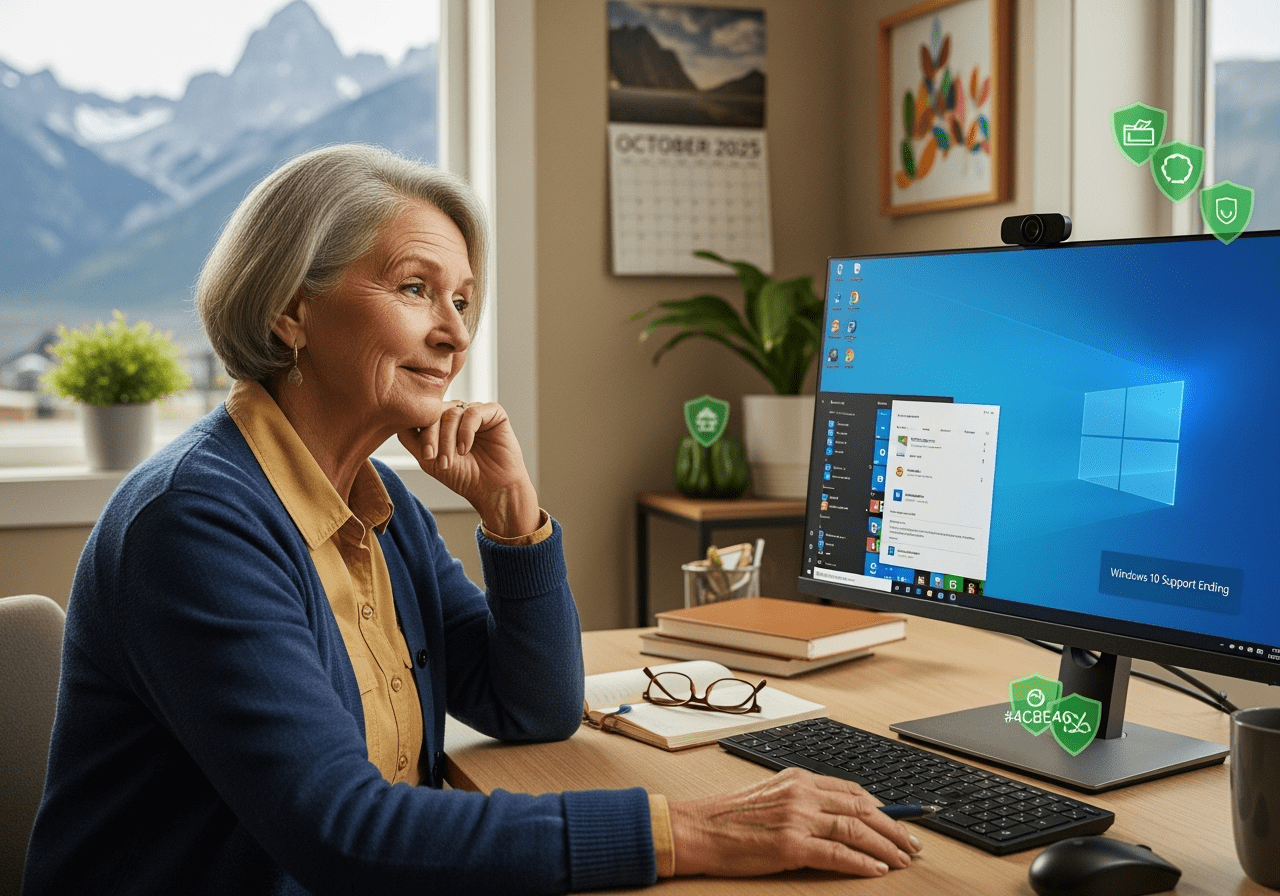
If you’re a senior using Windows 10, October 2025 marks an important deadline that could affect your computer’s security and your personal safety online. Microsoft is ending support for Windows 10, and here in Lethbridge, many seniors are asking the same worried questions: “What does this mean for me?” and “Is my computer going to stop working?” [Read more…]
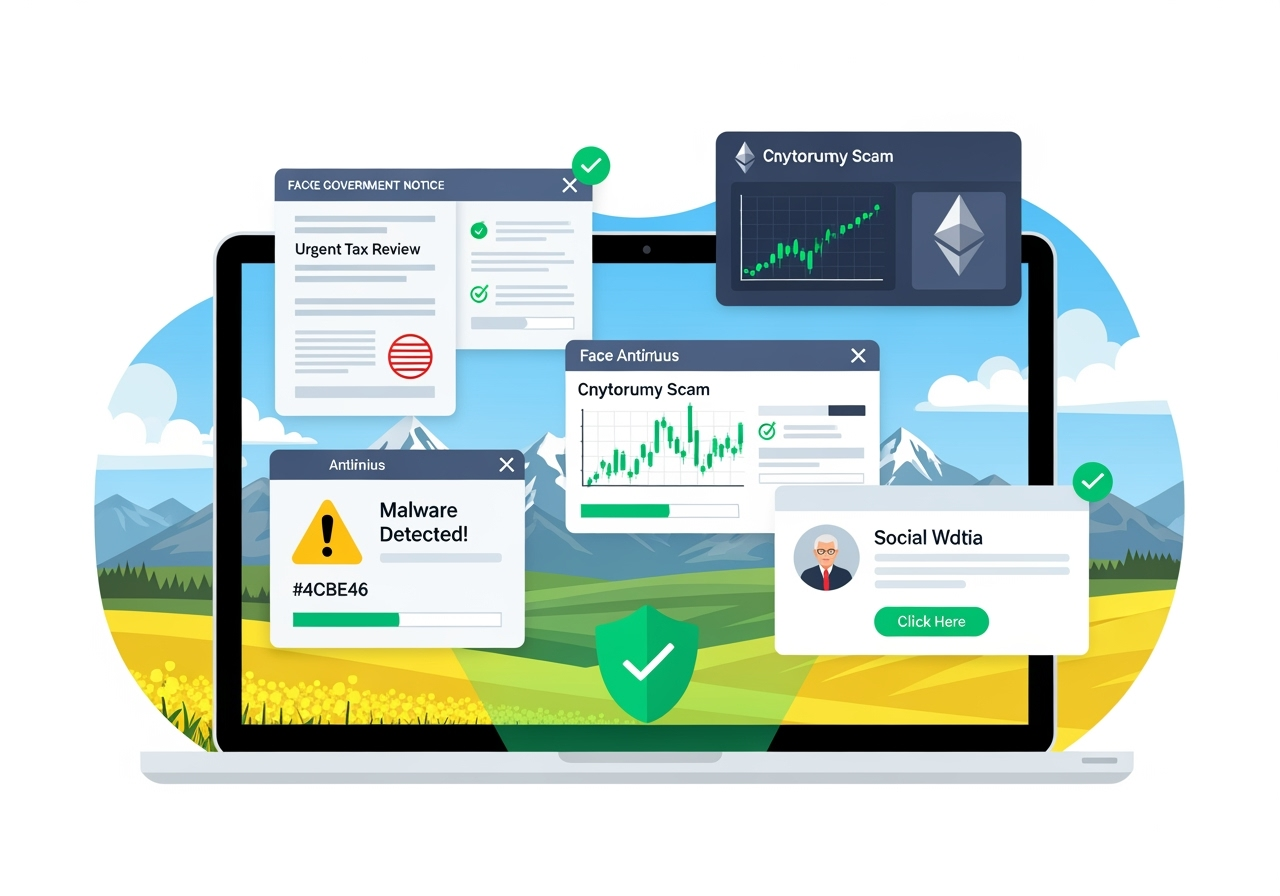
The digital landscape in Southern Alberta has become a hunting ground for sophisticated scammers targeting unsuspecting residents. As we navigate through 2025, computer scams have evolved beyond simple phishing emails to complex, multi-layered attacks that can fool even tech-savvy individuals.
At Y-Not Tech Services, serving Lethbridge, Coaldale, Coalhurst, and surrounding communities, we’ve witnessed firsthand how these Alberta computer scams 2025 have become more convincing and dangerous than ever before. Our Scam Check Hotline at (403) 915-8574 receives calls daily from residents who’ve encountered these threats. [Read more…]
 Why Seniors Are Targeted by Computer Scams (And How to Fight Back)
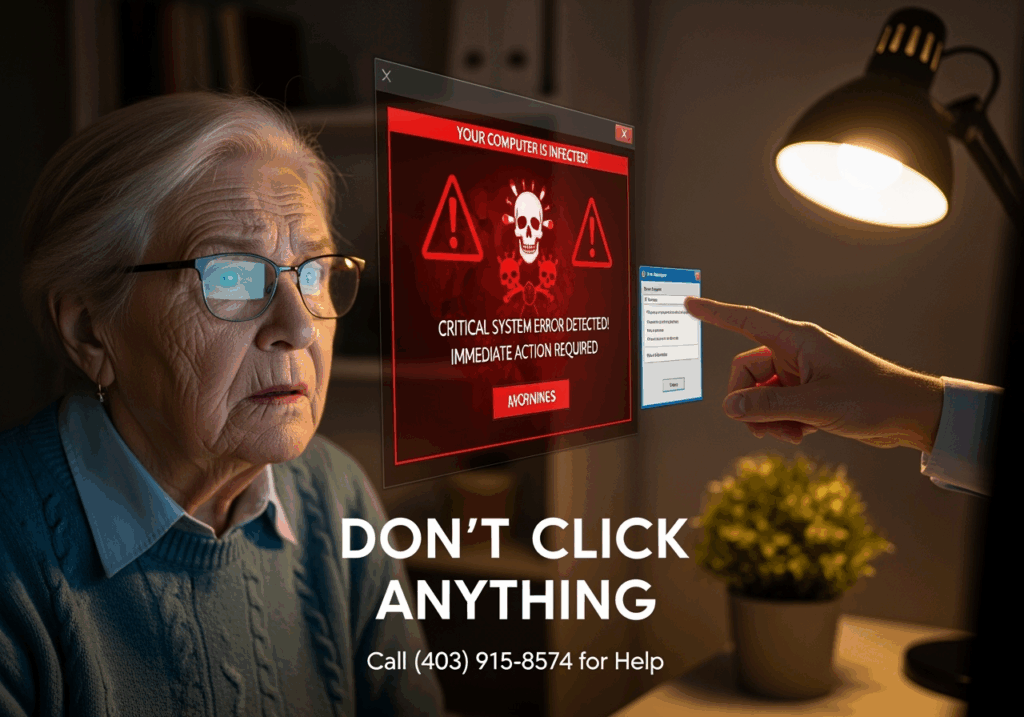
If you’re a senior who’s ever wondered why you seem to get more suspicious phone calls, pop-ups, and emails than your younger family members, you’re not imagining things. Computer scammers deliberately target older adults, and there are specific reasons why. But here’s the good news: once you understand their tactics, you can turn the tables and protect yourself effectively.