

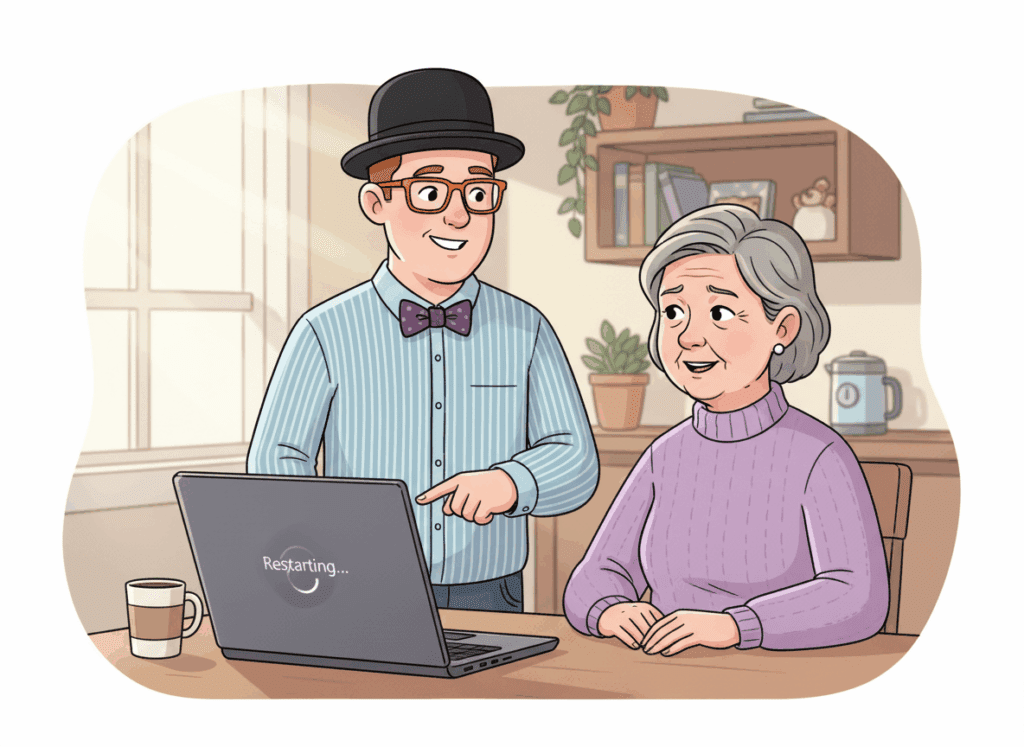
 If your computer keeps restarting, shutting down unexpectedly, or turning itself off, it’s not “just being weird.” It’s usually a sign of overheating, software problems, failing updates, or (sometimes) malware running in the background.I’m Tony from Y-Not Tech Services. This guide explains the most common causes, what you can safely check at home, and when it’s time for professional help in Lethbridge.
Why Computers Restart or Shut Down Unexpectedly
Most unexpected shutdowns fall into one of these categories:
- Overheating: the computer turns off to protect itself
- Power issues: loose power cable, failing adapter, or power supply problems
- Updates and drivers: Windows updates, driver conflicts, or incomplete installs
- Software crashes: background programs causing instability
- Malware or unwanted software: hidden processes stressing the system
The good news: many of these causes can be diagnosed quickly. The bad news: guessing can make things worse — especially if data or security is involved.

Overheating: The Most Common Cause
If your fan is loud, the computer feels hot, or shutdowns happen during simple tasks, overheating is the most likely culprit.
Start here:
Computer Fan Loud or Overheating in Lethbridge.
Overheating can also cause slow performance and freezing. If your computer has been dragging lately, see:
Why Your Computer Is So Slow.
Windows Updates and Driver Conflicts
Sometimes shutdowns start right after a Windows update, or when updates are stuck and the system keeps trying to “fix itself.” Driver conflicts (graphics, printers, Wi-Fi) can also cause crashes and restarts.
If this started after an update, read:
Windows Updates Causing Problems? (Lethbridge Guide).
Power Problems: The Simple Things to Check
If the computer shuts off instantly (no warning), check these basics first:
- Make sure the power cable is firmly connected at both ends
- If it’s a laptop, try a different wall outlet (or remove the power bar temporarily)
- If the battery is removable, check if the issue happens with battery removed (laptops only)
- Look for obvious damage to the charging cable or adapter
If the power connection feels loose or the system only works in certain positions, that often indicates a power jack or cable issue.
Could It Be a Virus or Malware?
It’s not the most common cause — but malware can absolutely destabilize a computer. If shutdowns are paired with pop-ups, strange warnings, new programs you didn’t install, or your browser behaving oddly, it’s worth checking for infection.
If you’ve been seeing fake warnings, start here:
Fake Virus Pop-Ups in Lethbridge.
For a full cleanup, see:
Virus & Malware Removal in Lethbridge.
When It’s Time to Get Professional Help
If shutdowns are happening repeatedly, don’t wait until your computer won’t turn back on. Professional service can identify the cause before it turns into a bigger repair (or data loss).
It’s time to book help if:
- The computer shuts down more than once in a week
- It feels hot or the fan runs loudly all the time
- Updates are failing or the computer is unstable after updates
- The system freezes, blue-screens, or restarts without warning
These issues are typically handled through:
Computer Repair in Lethbridge.
How to Prevent Shutdowns and Restarts Long-Term
- Keep the computer clean and well-ventilated
- Allow Windows updates to complete properly
- Address slow performance early (before it becomes instability)
- Use layered security to reduce unwanted software running in the background
Many clients prefer proactive care instead of reacting to emergencies.That’s where ongoing protection helps:
Home Security Suite (Gold+).

Need Help With a Computer That Keeps Restarting in Lethbridge?
If your computer keeps restarting or shutting down, don’t guess.
Let’s identify what’s causing it and get it running reliably again.