
 The True Cost of Free Tools in Your Business
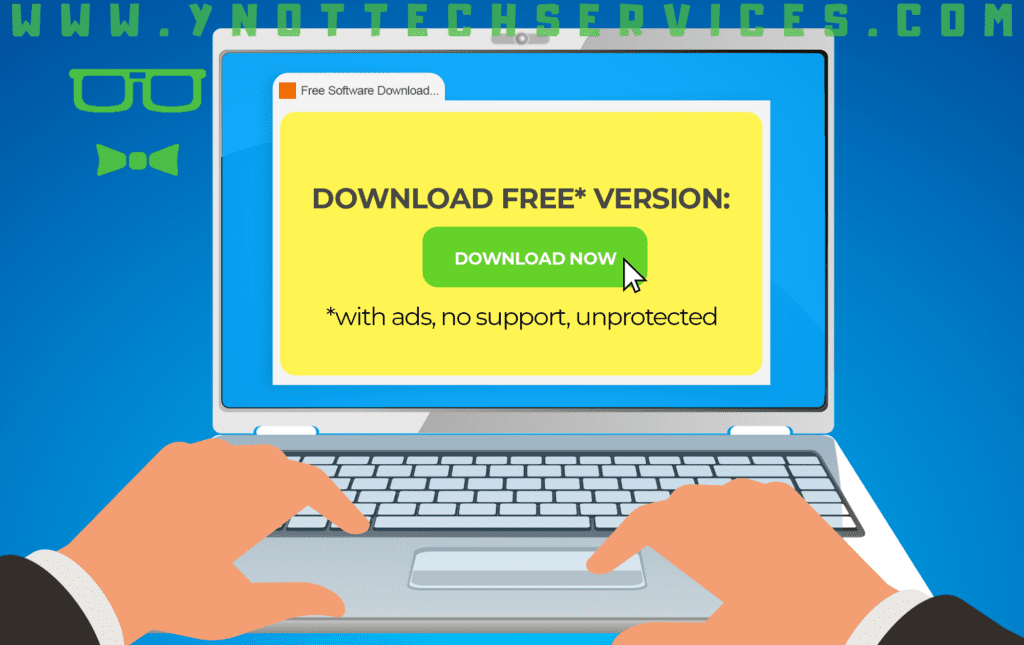
Let’s face it: free software is tempting. It’s hard to resist a solution that doesn’t touch your budget, especially when it looks like it might solve a pressing problem in your business. But as the saying goes, “You get what you pay for,” and in the case of free tools and apps, what you don’t pay for in cash can often cost you in other ways.
While free tools can be fantastic in the right circumstances, they’re not always suited to the needs of a growing or established business. Let’s explore the hidden downsides of “free” and why relying on these tools can cost your business more in the long run.
Scalability: A One-Person Show Won’t Run Your Business
Many free tools are built with individuals in mind rather than teams or businesses. While they may work wonderfully for single-user projects, things can fall apart when you try to stretch them to fit business needs.
- Network limitations. – Free tools often aren’t designed to work seamlessly over a business network. You may find they struggle when multiple people try to use them simultaneously or access them from different locations.
- Collaboration challenges. – For businesses working on large projects or requiring multiple team members to contribute, free tools can bottleneck workflows. Features such as shared access, version control, or integration with other apps may be missing entirely.
- Outgrowing the tool. – If your business scales up, you could quickly hit the limitations of the free tool, forcing you to switch to some thing new. The time and effort to migrate data and train staff on a new system can outweigh the initial cost savings.
Pro tip: Choose tools that can grow with your business. Even if it costs a little upfront, the time and headaches saved later are worth it.
Data Harvesting: When “Free” Costs Your Privacy
There’s a popular saying in tech circles: “If you aren’t paying for the product, you are the product.” Many free tools make money not by charging you but by collecting and monetizing your data.
- What’s being collected? – Some free tools harvest extensive data, including information about your business activities, employees, and even your clients. This data can then be sold or used for targeted advertising.
- Lack of transparency. – Free tools don’t always make it clear what they’re doing with your information, which could mean unknowingly exposing your business to risks.
- Impact on reputation. – If sensitive business data is mishandled or shared without your knowledge, it could damage trust with your clients or partners.
Pro tip: Before using any free tool, review its privacy policy. If the terms seem vague or invasive, it’s probably better to look elsewhere.
Inconsistent Updates: Bugs and Breakdowns at the Worst Time
Free software is often developed as a side project by individuals or small teams. While the effort is admirable, it’s important to remember that these developers aren’t obligated to fix bugs or release updates in a timely manner, if at all.
- Known issues that go unfixed. – Some free tools have long-standing bugs that can disrupt your workflow. If the tool isn’t actively maintained, those problems might never get resolved.
- Mission-critical risk. – Free tools can be risky for important tasks. If you’re relying on them for something that keeps your business running, a lack of updates or sudden abandonment of the project can leave you stranded.
Pro tip: When a tool is essential to your business, prioritize options with a strong track record of regular updates and developer support.
Lack of Support: When You’re On Your Own
Customer support is expensive, and most free tools don’t have the resources to offer it. Instead, you’re often left to troubleshoot issues on your own.
- Forums aren’t always helpful. – While forums and community knowledge bases can be useful, they’re not a substitute for professional support. Searching for answers to your specific problem can waste hours of your time.
- No one to call. – Sometimes, you just need to talk to a human. Unfortunately, most free tools don’t offer phone or email support, leaving you to fend for yourself.
Pro tip: For business-critical software, having access to dedicated support can save you significant time and frustration.
File Format Problems: Compatibility Headaches
Many free tools use proprietary or niche file formats, which can cause problems when you need to collaborate with others or transition to a different tool.
- Limited conversion options. – Files created by a free tool may not be easily converted to a format compatible with other software. This can lead to inefficiencies, errors, or additional costs to make the files usable.
- Professional compatibility issues. – If you’re working with clients or partners who use industry-standard software, incompatible file formats can create delays or require you to redo work.
Example: A design team might use a free image-editing tool, only to discover their clients can’t open or edit the files. This can lead to frustration and lost opportunities.
Pro tip: Check file compatibility before committing to a free tool, especially if you’ll be sharing files with others.
Licensing: Are You Allowed to Use it for Business?
One often overlooked aspect of free software is licensing. While many free tools appear to be a great deal, they may come with restrictions that make them unsuitable or even illegal for commercial use.
- Personal vs. commercial use. – A lot of free software is licensed strictly for personal use, meaning you can’t legally use it in a business setting without purchasing a commercial license. Ignoring this restriction could lead to fines or other legal issues.
- Terms hidden in the fine print. – Many free tools bury their licensing terms in lengthy agreements that few people read. By the time you realize you’re out of compliance, it could already be causing problems for your business.
Is Free Worth the Risk?
While free tools can work well in specific scenarios, such as for personal use or small, low-stakes projects, they’re often not a great fit for businesses that rely on efficiency, reliability, and scalability. The limitations of free software can lead to wasted time, data vulnerabilities, and missed opportunities, all of which cost your business more than you might expect.
As a managed service provider, we help businesses like yours find the right tools to meet your needs, tools that offer the support, scalability, and security your business deserves. If you’re tired of struggling with free tools that don’t quite cut it, let’s chat about finding solutions that truly work for you.
Book an Appointment below:
