
Book an Appointment

Y-Not Tech Services Logo
  • Home
  • Computer Repair
  • Services
    • Lethbridge Laptop Repair
    • Computer Cleaning & Tune-Up in Lethbridge | Y-Not Tech Services
    • Virus & Malware Removal – Lethbridge
    • Done-For-You Busienss IT Services
    • Business Continuity and Disaster Recovery
    • Home Security Suite
    • Password Protector
    • All Services
  • Reviews
  • Blog
    • Browse All
    • Best Antivirus
    • What Happens When You Interrupt a Windows Update? | Y-Not Tech Services – Lethbridge, AB Computer Help
    • Do You Know Exactly What is Being Backed Up on Your Computer? – Y-Not Tech Services | Lethbridge, AB IT Business
    • 6 Reasons to Replace Your ISP Email | Y-Not Tech Services – Lethbridge, AB Computer Help
    • 6 Uses for Your Old, Extra Computers | Y-Not Tech Services – Lethbridge, AB Computer Help
    • A Friend of Mine Was the Victim of Bank Fraud in Lethbridge, AB
    • Avoid Duplicating Passwords | Y-Not Tech Services – Lethbridge, AB Computer Repair
  • Contact

Stop Your Tech from Stalking You | Y-Not Tech Services – Lethbridge, AB Computer Help

July 6, 2021 by Tony Whitney

Stop Your Tech from Stalking You | Y-Not Tech Services - Lethbridge, AB Computer Help

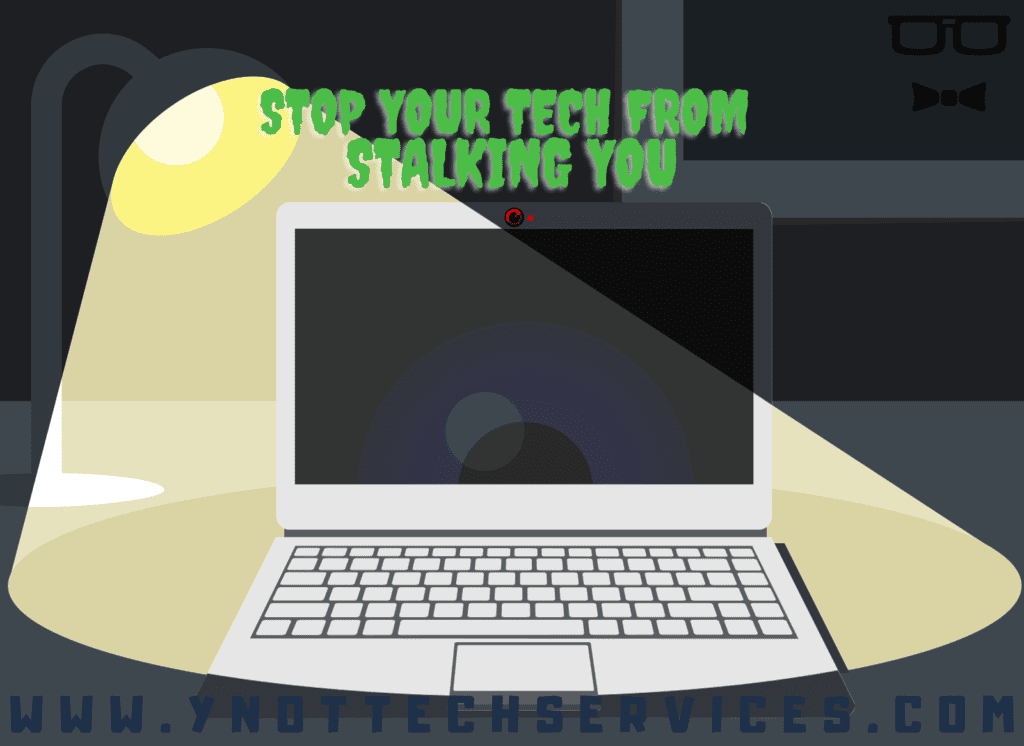
Stop Your Tech from Stalking You

Unless you’re a reality television star, you probably don’t like the idea of being watched at all times. So, why would you want your technology to know all about you? With digital technology today, it’s far too easy for our devices to turn creepy. Here are some suggestions to stop the stalker-like tendencies of the technology you rely upon.

Today’s marketing and online communications are all about customization and personalization. If you like a friend’s picture of an Art Deco door in Belgium, you see many more posts featuring similar designs. Or if you view an area rug on a website, you’re suddenly bombarded with ads for rug stores when you next go online.

This can add convenience, but it is also unsettling. What companies online know about you could be more detailed than what your friends know. Take the following steps to regain control of what your computer, phone, and apps know about you.

Review your privacy settings

Whether going online from a phone, laptop, desktop, or tablet, get to know the device’s privacy settings. Some important settings to review include:

  • email tracking – this can let people know if you opened their message or not;
  • location tracking – personalizes recommendations but also tells search engines where you are;
  • voice recordings – manufacturers use these to train virtual assistants, but pause this to keep your conversations to yourself;
  • purchase history – this helps feed the machine so that businesses know how to target you in the future.

Opt out or block ads

Opting out of ads limits the information collected from your browser or device. The site or business still receives basic information about you, but you will no longer receive targeted, interest-based ads any longer. Apple’s iOS 14 allows app blocking, and you can also express your choice on Android devices.

Otherwise, use browser ad blockers, such as AdBlock Plus, or JavaScript blockers, such Ghostery, to limit ad tracking. Also known as content blockers, these software programs prevent ads from showing on websites you visit. You can find ad blockers for Chrome, Firefox, Opera, Safari, and Internet Explorer.

Check your permissions

Watch the permissions you give apps. We have already talked about checking device settings, but you can also limit the permissions you give to apps. For example, social media accounts have privacy settings that allow you to control what’s logged about you.

Plus, check permissions for other apps. Clash of Clans doesn’t need location services, for instance. Or you might not want to give Slack access to your microphone and video recordings.

Use webcam covers

Covering your webcam stops someone from potentially seeing and recording you. If you think you’d see the light come on to show the webcam is in use, know that hackers can disable that. A simple sliding webcam cover closes the webcam when you are not using it to avoid a cybercriminal having access.

Covering your webcam can also come in handy in all those online meetings you’re having. A covered camera means you don’t run the risk of your colleagues catching you unprepared.

Limit information you provide

Social media has created a culture of oversharing. There are probably many things you’ve seen about friends online that you would rather not know. You’re also sharing more than you need to with the companies that you interact with online.

If you’re filling out a form for a download, you might fill out only the required fields. When you add an app, be stingy with your personal details. Think about it from a need-to-know perspective. For instance, that home design game you love to play doesn’t need to know where you went to high school or with whom you bank.

Need help keeping the privacy-busting algorithms at bay? We can help. Our IT experts can configure device settings to limit information gathered about you online.

Book An Appointment Today:

 

Book an Appointment

Filed Under: Lesson Tagged With: adblock, Computer help, computer help lethbridge, computer repair, computer repair Lethbridge, cybersecurity, privacy, privacysettings, webcam, Y-Not, y-not tech, ynot, ynot tech

Share:

Services

  • Computer Optimization & Maintenance in Lethbridge
  • Scam & Fraud Cleanup in Lethbridge
  • Email Help & Account Fixes in Lethbridge
  • Printer Setup & Troubleshooting in Lethbridge
  • Wi-Fi & Internet Troubleshooting in Lethbridge (Home & Remote Support)
  • Onsite Computer Repair Lethbridge – In-Home Tech Support
  • Web Design and Hosting
  • Upgrade to Solid State Drive
  • Laptop Screen Repair Lethbridge – Fast, Affordable Fixes
  • Virus Removal and Tuneup

Testimonials

  • Prompt and Professional service on my compromised computer. Owner is very personable and I am delighted with the end result. Read More
    Kel H
  • Tony did a great job on setting up my wife's new computer after we had spent $150.00 for a so called professional to set it up. The so called professional stated that the computer was all set to plug and go....Far from it. Thanks Tony for helping us out with with this frustrating matter. You... Read More
    Dennis v
  • Tony is honest and responsive Read More
    Leah B
  • Y-Not Tech services has helped us with all our Tech needs that we've needed so far, and responds very quickly. Appreciate the fact that problems are explained to us, and properly fixed. Read More
    Buffalohead Vet
    Taber
  • Tony has always been very professional . He has helped in many ways to make our computer experience excellent. His response is very timely and explains the computer lingo in a way that all can understand. Thank you Tony Read More
    Jacalyn W
    South Lethbridge
  • A+ services. Friendly and informative. Wouldn't go anywhere else. Read More
    Tyrell C
  • Tony is super helpful. I'm confident that my computers are protected! Read More
    CE
  • Very satisfied with the service I received! Read More
    RC
  • It is an absolute pleasure to work with Tony at Y-Not Tech Services. He is always helpful and knowledgeable and reliable. We are so thankful to have His expertise and care. Read More
    Bernice N
    West Lethbridge
  • Great personality and quick to respond. Very happy with the service I have received from Tony. He is very knowledgeable and it is great knowing he will work on site or do remote connection to fix problems. As someone who works from home it really reduces the stress level when I am having a problem... Read More
    Cam M
    North Lethbridge
Y-Not Tech Services
Serving Lethbridge, Alberta and surrounding areas
Phone: 403-915-8574
Email: tony@ynottechservices.com
Hours
Monday–Friday: 9:00 AM – 5:00 PM (by appointment only)
Saturday–Sunday: Closed

FOLLOW US

Book an Appointment with us!

Book an Appointment

Services

Computer Repair   •   Laptop Repair   •   Tune-Up   •   Virus Removal

Copyright © 2025 · Y-Not Tech Services · 534 17 st S, Lethbridge, Alberta (AB) T1J 3C3