
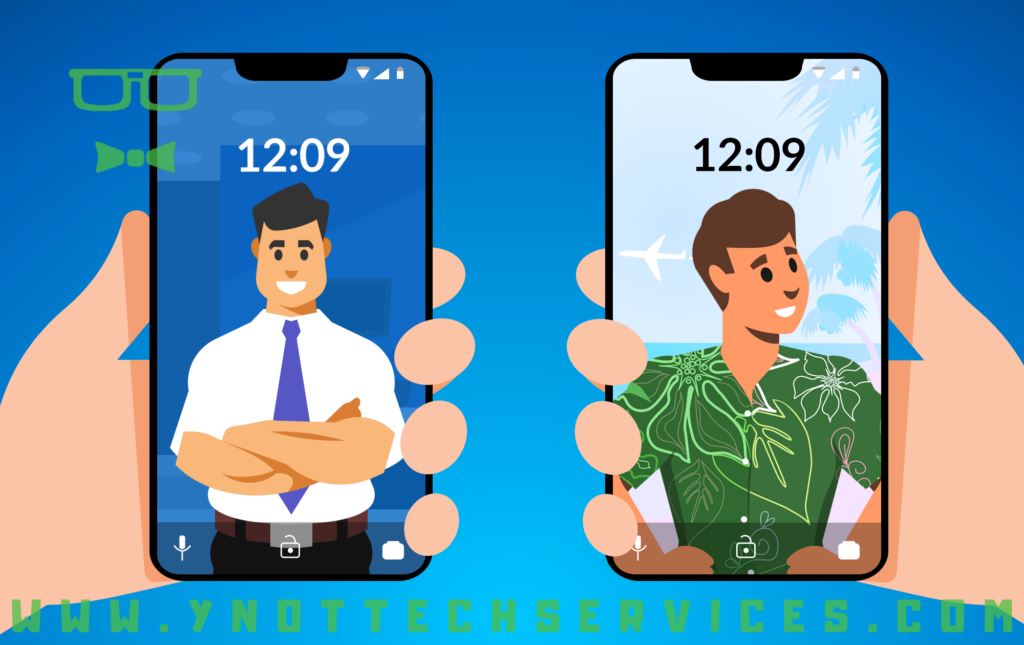
Are Employee Devices Putting Your Business at Risk? Choosing The Best Policy
As a business owner, you’ve probably noticed that technology is changing how your employees work, especially regarding devices. There are multiple options for managing employee devices in the workplace, each with its own strengths, drawbacks, and security considerations.
The main choices are bring your own device (BYOD), choose your own device (CYOD), and corporate-owned, personally-enabled (COPE).
It’s important to think about which approach is right for your business, not just from a productivity standpoint but also for the security of your company’s data. Let’s break down each option and see how they differ.
What is BYOD?
Bring your own device (BYOD) is pretty much what it sounds like. Employees use their own personal devices, such as smartphones, tablets, or laptops, for work purposes. BYOD can seem like an attractive option, because it reduces the company’s costs; you’re not buying the hardware. Plus, employees are familiar with their devices, so there’s no learning curve.
But there’s a catch: security can be a big concern. Since the devices are personal, employees may not always follow best practices for data security, which could leave your business vulnerable. For instance, if an employee loses their phone or doesn’t keep up with software updates, sensitive company information might be at risk.
Pros of BYOD:
- lower upfront costs;
- employees are familiar with their own devices;
- greater flexibility and convenience.
Cons of BYOD:
- higher security risks;
- more difficult to manage;
- potential compliance issues.
What is CYOD?
Choose your own device (CYOD) is a step between BYOD and a fully controlled environment. With CYOD, the company provides a list of approved devices that employees can choose from. The employee owns the device, but because it’s selected from a pre-approved list, the business has more control over its security settings.
This method gives employees some freedom while maintaining a level of standardization and control over which devices are allowed. Security measures can be applied more easily, because you know which devices are being used and can implement policies such as remote wipe capabilities or encryption.
Pros of CYOD:
- balanced control and flexibility;
- easier to implement security measures;
- more consistent user experience across the company.
Cons of CYOD:
- The company still faces some security risks.
- Costs are shared (device ownership is still with the employee).
- Employees may feel limited by the choice of devices.
What is COPE?
Corporate-owned, personally-enabled (COPE) is the most controlled option. The company buys and owns the devices, but employees are also allowed to use them for personal tasks. This means you can set up robust security protocols, manage the devices fully, and still give employees some freedom to use them for personal reasons.
From a security standpoint, COPE is the strongest option. You have complete control over how the devices are managed and what software is installed, and you can enforce strict security policies. If something goes wrong, you can easily lock down or wipe the device to protect company data.
Pros of COPE:
- highest level of security;
- full control over devices;
- easier to manage compliance and data protection;
- employees can still use the device for personal needs.
Cons of COPE:
- higher costs for the company;
- employees may prefer using their own personal devices;
- requires more management and oversight.
Which option is right for your business?
Each of these options has its pros and cons, and the right choice depends on your business’s needs, budget, and security priorities. BYOD may seem like the cheapest and easiest option, but it comes with significant risks that could cost your business more in the long run. CYOD offers a middle ground, giving employees choice while allowing for better control and security. COPE, while more expensive, gives you full control and peace of mind regarding data security.
How we can help
Regardless of which option you’re considering, managing employee devices is not something to take lightly. It’s not just about the devices themselves but also the data and security risks they bring with them.
As a managed service provider, we can help you set up the right policies, manage devices, and put strong security measures in place. Whether it’s BYOD, CYOD, or COPE, we’ll ensure your business data stays safe and secure.
If you’re not sure which option is right for you or if you need help implementing the one you’ve chosen, reach out to us. Let’s work together to protect your business while keeping your employees productive.
Book an appointment to talk about your options:
