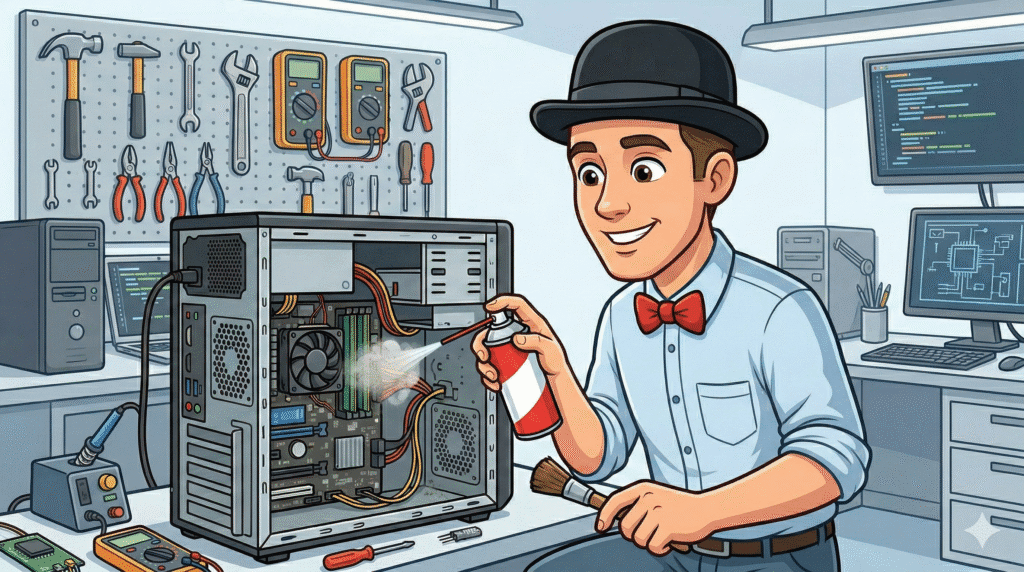
Living in Southern Alberta, we are all too familiar with the wind and the dust it carries. While we see it on our cars and windows, most Lethbridge computer users don’t realize that the same fine grit is slowly accumulating inside their technology. At Y-Not Tech Services, we’ve found that a significant portion of “slow computer” complaints aren’t actually caused by old age, but by environmental factors. [Read more…]
Computer Tune-Up in Lethbridge: What It Is, What It Fixes, and When You Actually Need One
If your computer feels slow, freezes, or takes forever to start, you’ve probably wondered if it needs a “tune-up.”The problem is, that word gets used for everything — from real maintenance to “we clicked a button and hoped for the best.”
and when it’s time to stop guessing and get professional help in Lethbridge. [Read more…]
Why Your Computer Is So Slow (And When It’s Time for Professional Help in Lethbridge)
A slow computer is one of the most common reasons people call me for help in Lethbridge.Sometimes it’s a simple fix. Other times, it’s a warning sign that something deeper is going on.I’m Tony from Y-Not Tech Services. Let’s walk through the most common reasons computers slow down,
what you can safely try yourself, and when it’s smarter (and cheaper) to bring in a professional. [Read more…]
Why Computer Maintenance Matters for Lethbridge in 2025 | Y-Not Tech Services

Let’s be honest—most of us don’t think about our computers until something goes wrong. That spinning wheel of doom, the mysterious error message or, worse, the dreaded blue screen. Sound familiar? Here in Lethbridge, Alberta, where winters are cold and our reliance on technology runs hot, keeping your computer in top shape isn’t just a nice‑to‑have—it’s essential. Whether you’re running a small business downtown or managing your family’s digital life at home, regular computer maintenance can save you time, money and a whole lot of stress in 2025. [Read more…]
5 Tech Maintenance Tasks Every Lethbridge Home and Business Should Do Before 2026
As we approach the end of 2025, there’s no better time to give your technology a little TLC. Whether you’re a home user trying to keep your personal computer running smoothly or a small business owner managing multiple devices, regular tech maintenance isn’t just smart—it’s essential for your security, productivity, and peace of mind. [Read more…]
Computer Maintenance Checklist | Y-Not Tech Services – Lethbridge, AB Computer Repair

Just like your car needs regular oil changes and other routine maintenance your computer requires certain things be taken care of regularly. If you don’t do regular maintenance on your car you’ll notice a drop in its performance and if you continue to neglect it you’ll end up with bigger (often expensive) problems. The same is true of your computer! Regular maintenance keeps it running well and can help avoid calls to a technician. Last month we looked at doing some spring cleaning on our computers. Today I’ll share a maintenance checklist that you can do monthly to help keep your PC running great. I’ll break it down into two sections: Hardware and Software.
Hardware
- Make sure your laptop, desktop tower, Monitor, Printer, and other equipment is plugged into a Surge Protector
- Wipe down the mouse, keyboard, bevels of the monitor and outer surfaces of tower or laptop
- Use screen cleaner on LCD screens
- Check Wire connections between all devices – make sure they are secure and no kinks in cables
- Look for vents in your Tower or laptop and ensure they aren’t blocked
- Blow out or vacuum inside your Tower or Laptop – be careful of sensitive components inside and consider doing this outdoors if it hasn’t been done recently
- Check that all fans are free of debris and moving freely
Software
- Be sure you have a good Anti-Virus Installed
- Ensure your anti-virus is up to date and performing scans at least once a week.
- In Windows turn on System Restore
- Perform a backup on your important files
- Free Up Hard Drive Space. In Windows 10 use storage sense as detailed here. For Mac OSX use Optimized Storage. Details from Apple can be found here.
- Declutter: Remove unused shortcuts on your desktop and Organize or empty your Downloads folder
- Remove Programs you don’t use
This checklist can help keep your computer running well, but even if you follow it you might come across problems. If you do, you can book an appointment below and have the experts take care of it.